How To Activate Fox News On Any Device
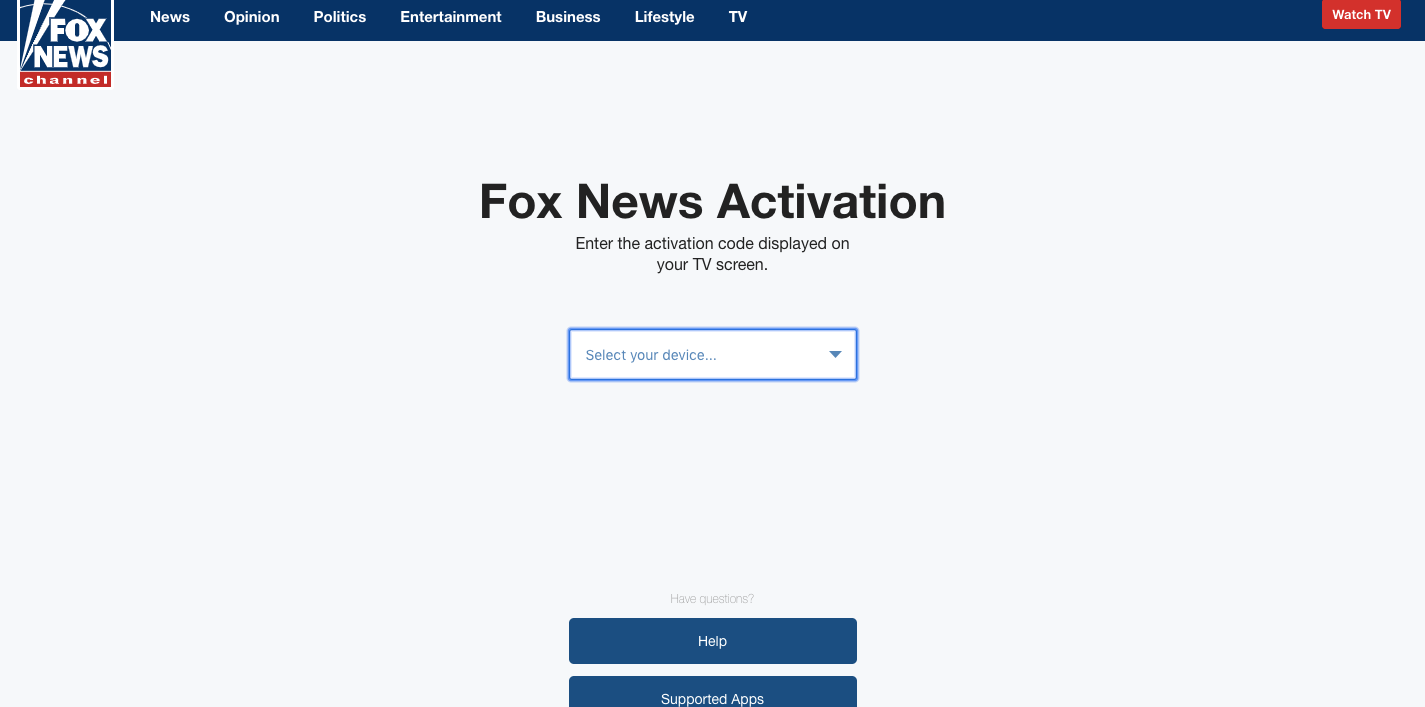
foxnews.com activate: Open the Fox News app on your device. Go to https://www.foxnews.com/connect on a browser.
Choose your provider from the drop-down box. Enter the registration code displayed on your TV screen. Click connect.
Once successful, you should see “Success! Your Device has been connected and is now ready to stream Fox News”. Go back to your device and get the news.
Fox now also offers Fox One, a unified streaming app launched in 2025 that includes Fox News, FS1, FS2, and the Fox broadcast network — a good option if you don’t have a traditional pay-TV provider to authenticate with.
References
- Connect | Fox News – foxnews.com/connect
- Fox News Channel | Roku Guide – https://channelstore.roku.com/details/2946/fox-news-channel
- Fox News Help – help.foxnews.com/hc/en-us.
For Fox Sports Go, please see foxsportsgo.com/activate. And for FOXNOW, please see this foxnow activate tutorial.
Things You Will Need
- An Internet connection.
- Fox News App.
- A service provider with an active Fox News subscription.